Why does my logo fail to convert to SVG?
Often, the problem is the background rather than the logo. Our November 5, 2026 update handles painted checkerboards and images without a removable background. The reason we built it: we shipped an incomplete product, logged every failure, and learned where our assumptions broke.
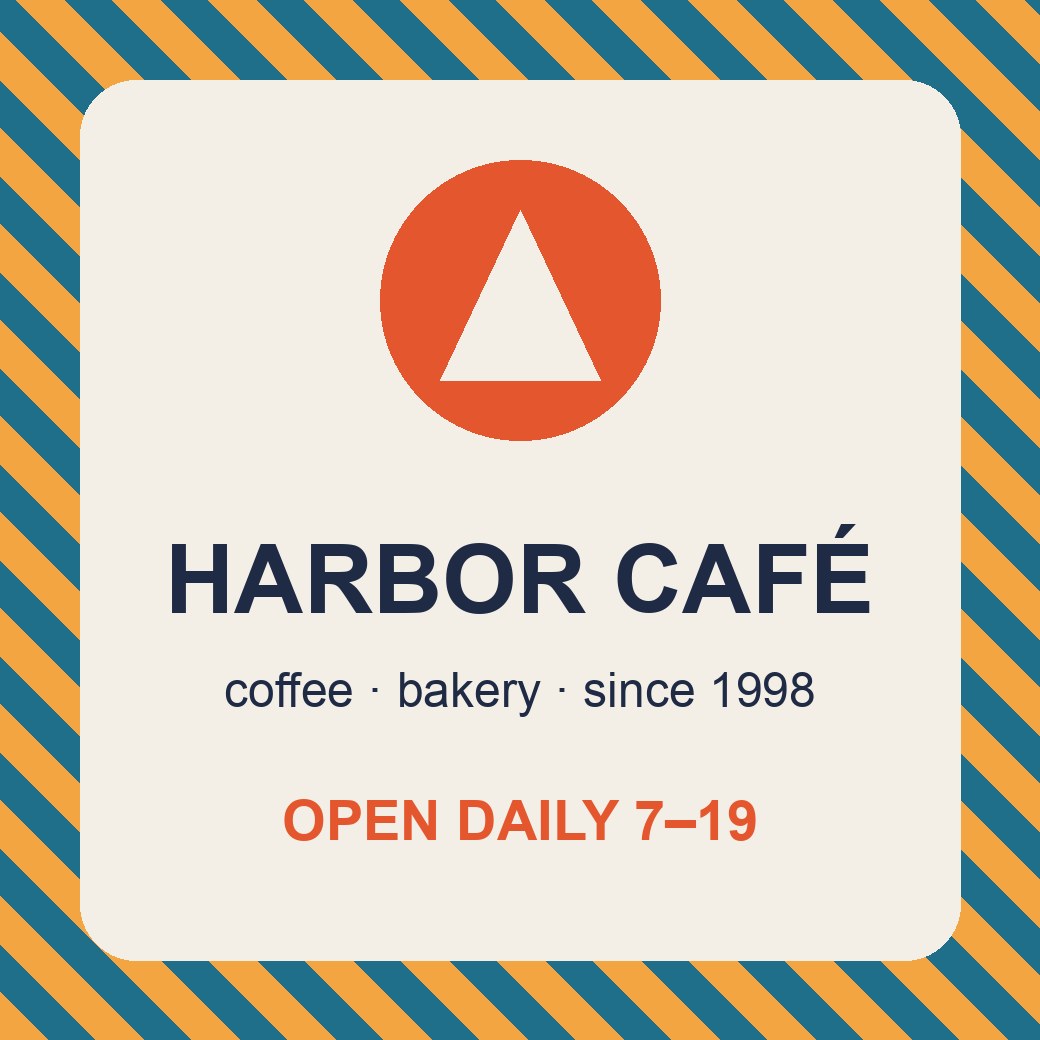
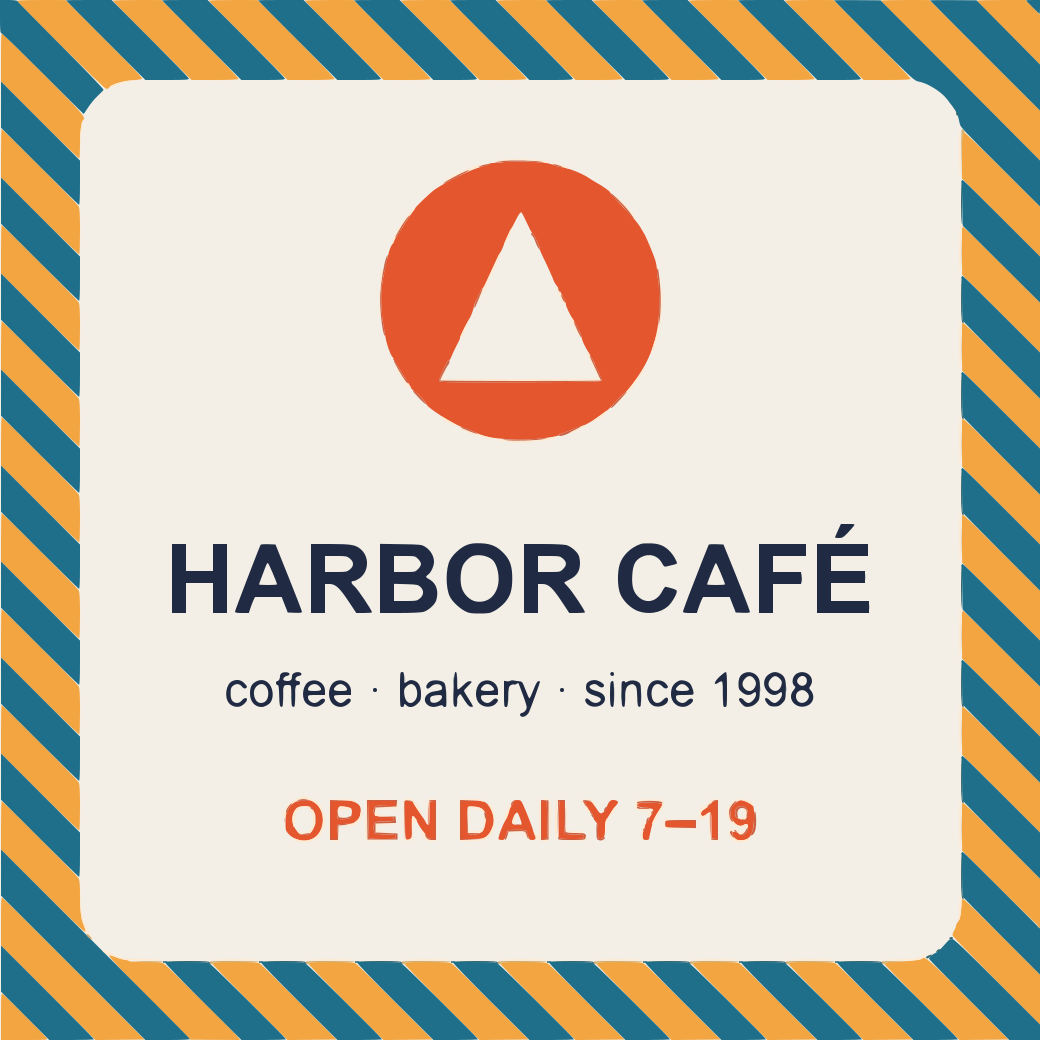
Start with the background, then check the source.
A logo on a plain or genuinely transparent background is still the best input. A checkerboard painted into a PNG is not transparency. A photo, sign or full-color banner is not an isolated logo. Vectorize now accepts more of these sources, but the output depends on which kind of image you upload.
31% of conversions failed, mostly for one reason.
From October 29 to November 5, 2026, the ChatGPT app recorded 2,944 conversion attempts and 919 of them failed. The engine logged 902 failures in the same week, 864 from AI assistants and 38 from the website. Many were the same image retried, so they count attempts, not distinct images or people.
Background not uniform
No plain or transparent background to remove: posters, signs, banners, photos and painted checkerboards.
Image too large
Above the old limit of 6,000 pixels per side or 20 megapixels, often straight from a phone or a print export.
Too complex
The trace did not finish in time. This category is not fixed yet.
Everything else
9 with too many colors, 4 gradients too complex to rebuild, 2 with no visible logo and 1 other error.
We had built around an isolated logo with a removable background. The log made the cost of that assumption measurable. These fixes exist because we shipped before every input case was covered, then treated the failures as product feedback.
A painted checkerboard is pixels, not transparency.
A gray-and-white grid can be a viewer showing empty space, or a pattern stored in the image itself. In the second case the converter sees the checkerboard as artwork. Vectorize now recognizes a repeating pattern of light neutral colors around the border, including edges softened by JPEG compression, and removes it like a plain background. White shapes inside the logo are preserved: this is background recognition, not a rule that deletes every white pixel.

After conversion, inspect the result on both light and dark surfaces. The transparent logo to SVG guide explains how to tell empty space, white artwork and edge halos apart.
When nothing can be removed, the whole image is traced.
Posters, business cards, signs and logos on full-color banners may have no background that can be removed safely. They used to be rejected. Now the whole image is traced, background included, with a warning.
This needed a different way of finding color regions. For an isolated logo, growing regions from points inside each shape works well. When the whole picture is one connected shape, the same approach absorbs thin lettering into its surroundings.
For whole images, Vectorize groups pixels by how similar their colors look to the human eye, merges groups that look alike and gives every pixel its closest palette color. It then cleans the one-pixel seams that antialiasing leaves between two inks and removes specks of noise, while keeping small, high-contrast details such as the dot of an i. Thin lettering, including Cyrillic and Arabic text, stays readable in our checks.
The canvas is drawn as one exact background shape, so the SVG has no hairline at its edge. Review small text at its intended display size: our checks are not a guarantee for every typeface, resolution or scene. For JPEG sources, see the JPG to SVG converter.
Stop retrying a file that no setting can fix.
We saw assistants retry the same rejected image up to six times with different settings, even when no setting could help. Each retry was another failed attempt for the user to wait through.
For errors that settings cannot change, the result returned to the assistant now says not to retry and to ask the user for another file. The Vectorize MCP server should move the conversation forward, even when the right next step is a better input.
What we measured, and what is still unfinished.
The 77 images are a local test on real failed uploads, not a new production success rate. The update went live on November 5, 2026; we will measure production results over the following week and update this page.
- 77 distinct real images that had failed in production: 1 produced an SVG before the update, 77 after.
- The 19 logos in our regression set that already worked produce byte-identical SVGs.
- Typical processing time stays about 2–4 seconds per image.
The 17 “too complex” timeouts are not fixed yet, and neither are the 4 gradients too complex to rebuild. They are the next items on the list.